
Techivation
Tilt EQ

Tilt EQ is a fast, musical tone-shaping plug-in that helps you balance brightness, warmth, and clarity with ease. Its unique Drive control turns the energy removed by the EQ into harmonic character, giving you clean tonal correction without making your sound feel thin, dull, or lifeless.

Fast, musical tone shaping
Balance brightness, warmth, and clarity with ease
Shape Tone Without Losing Character
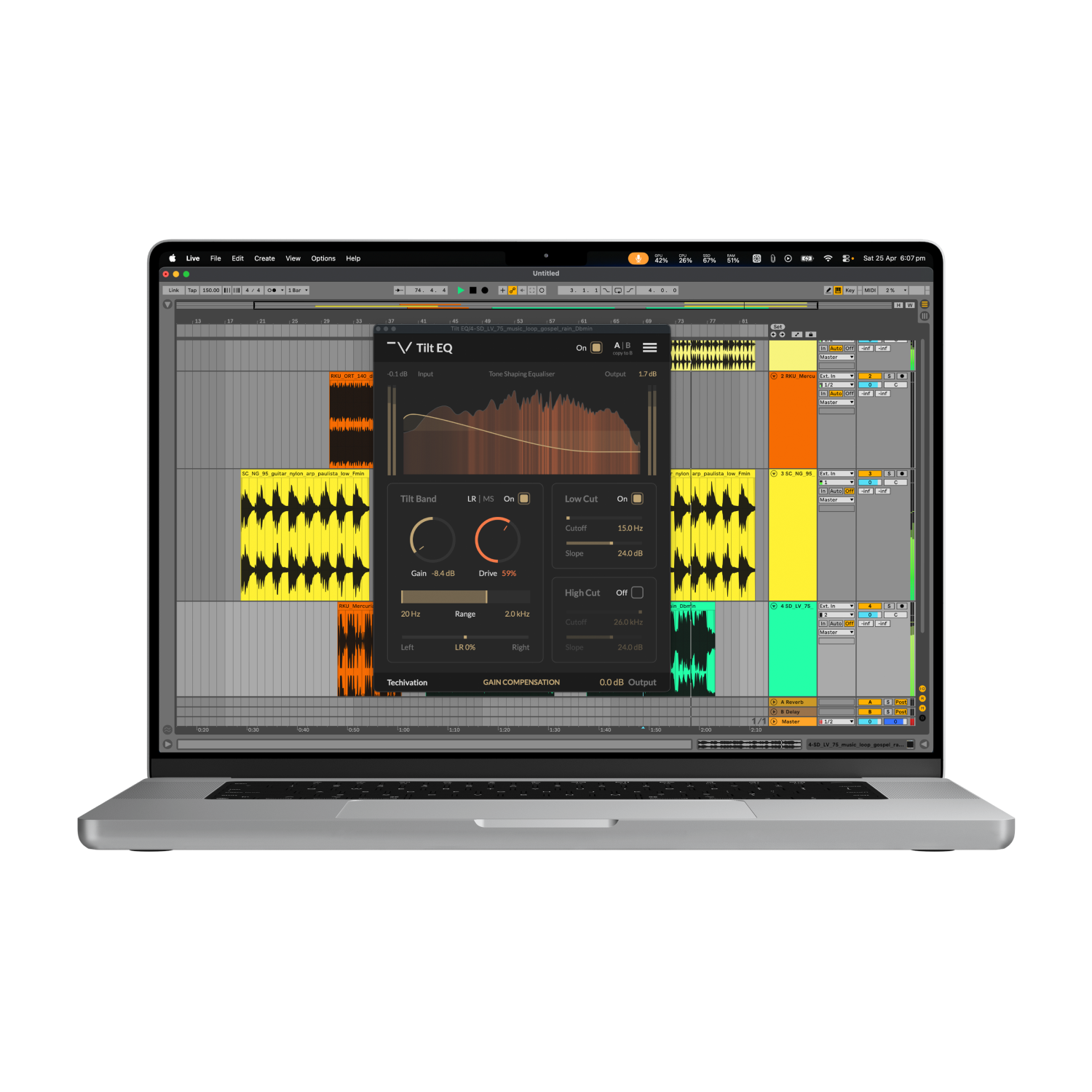
Tilt EQ gives you quick control over the overall balance of your sound, from brighter and more open to warmer and smoother.
Its unique Drive control re-injects attenuated energy as harmonic saturation, so your EQ moves can add musical color instead of leaving the sound thin or lifeless.
Simply Brighten, Darken, or Color the Sound
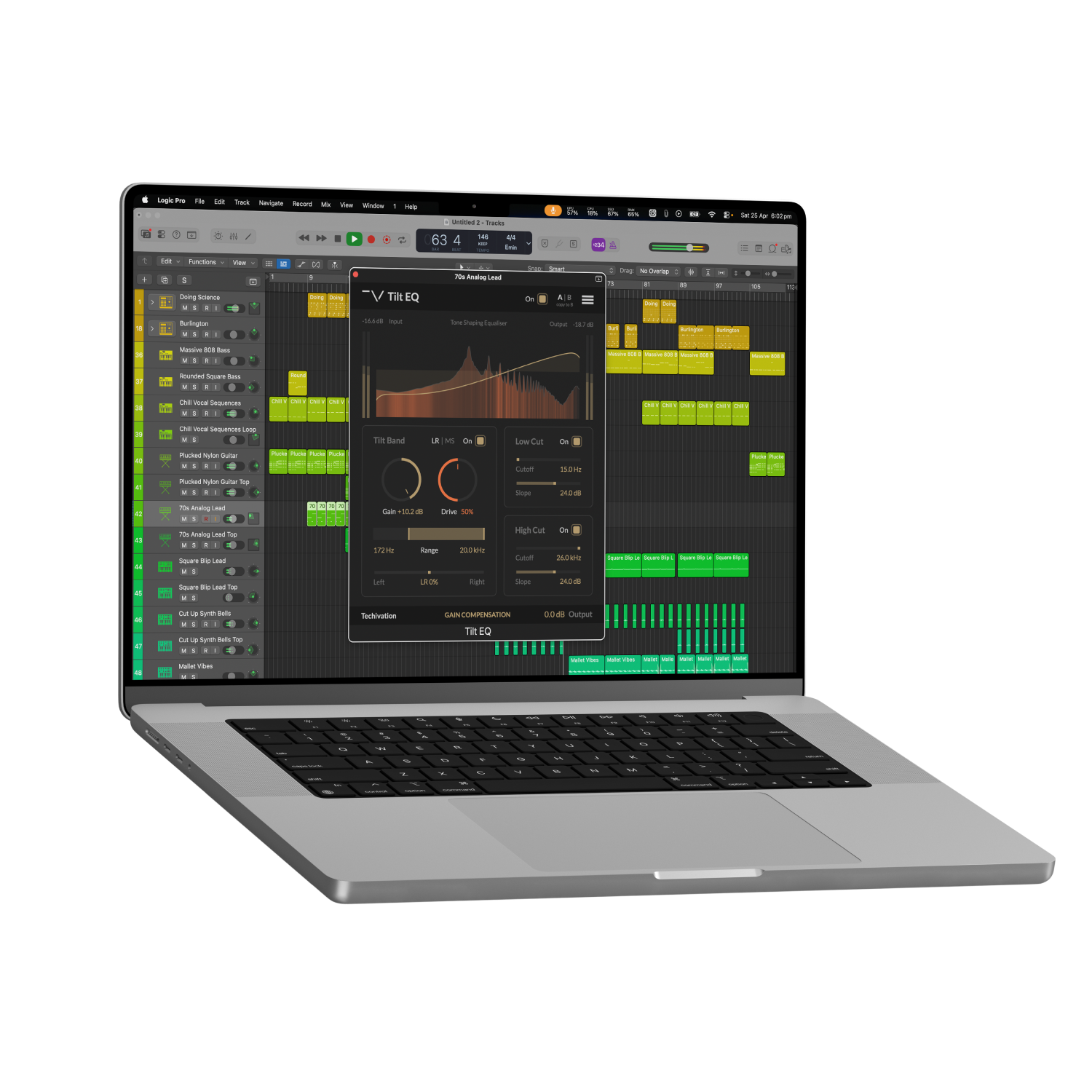
Push the Tilt Gain upward to bring out clarity and brightness, or pull it downward to add warmth and darkness.
Then use Drive to add harmonic density from the side of the spectrum being reduced.
Key Features
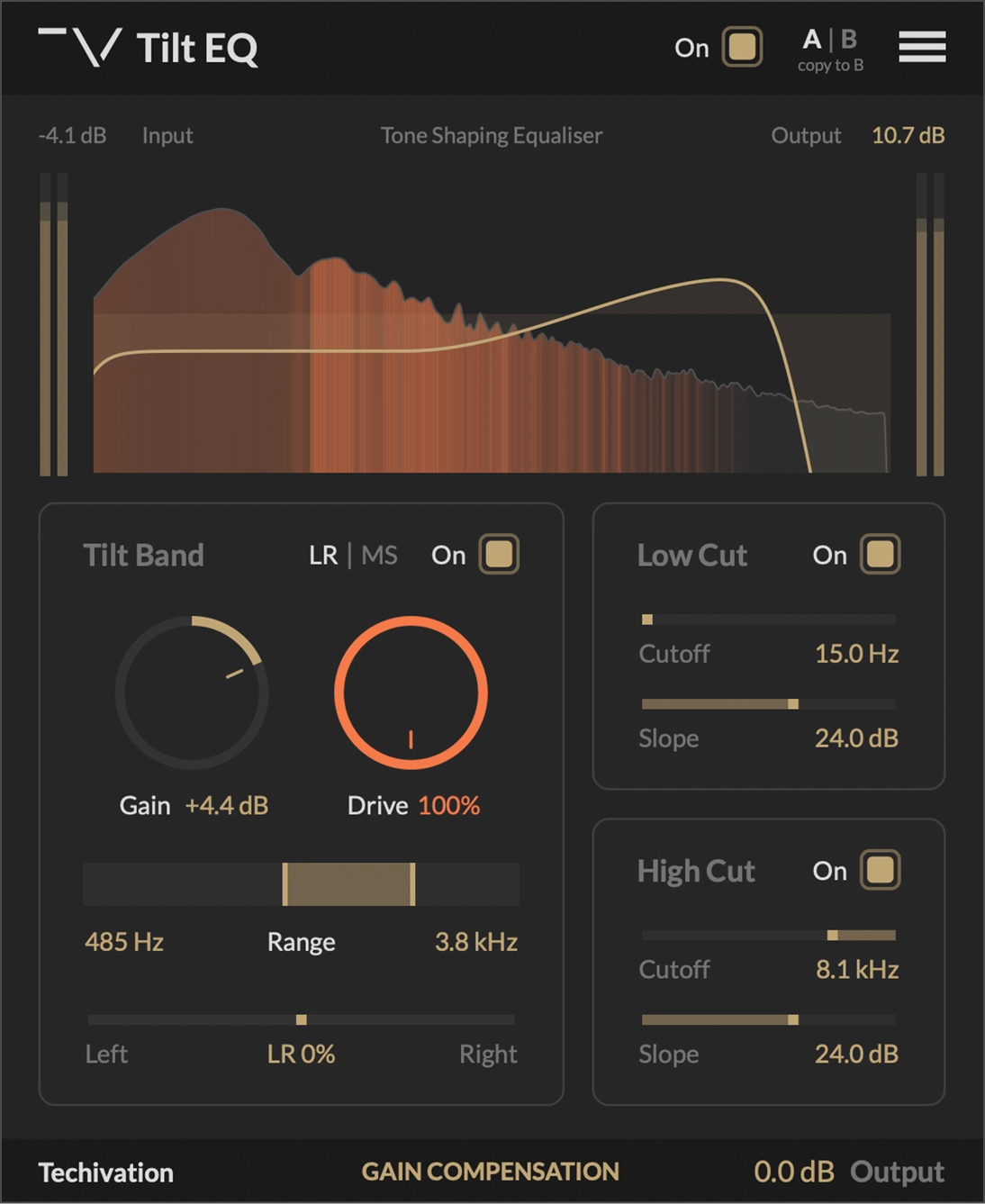
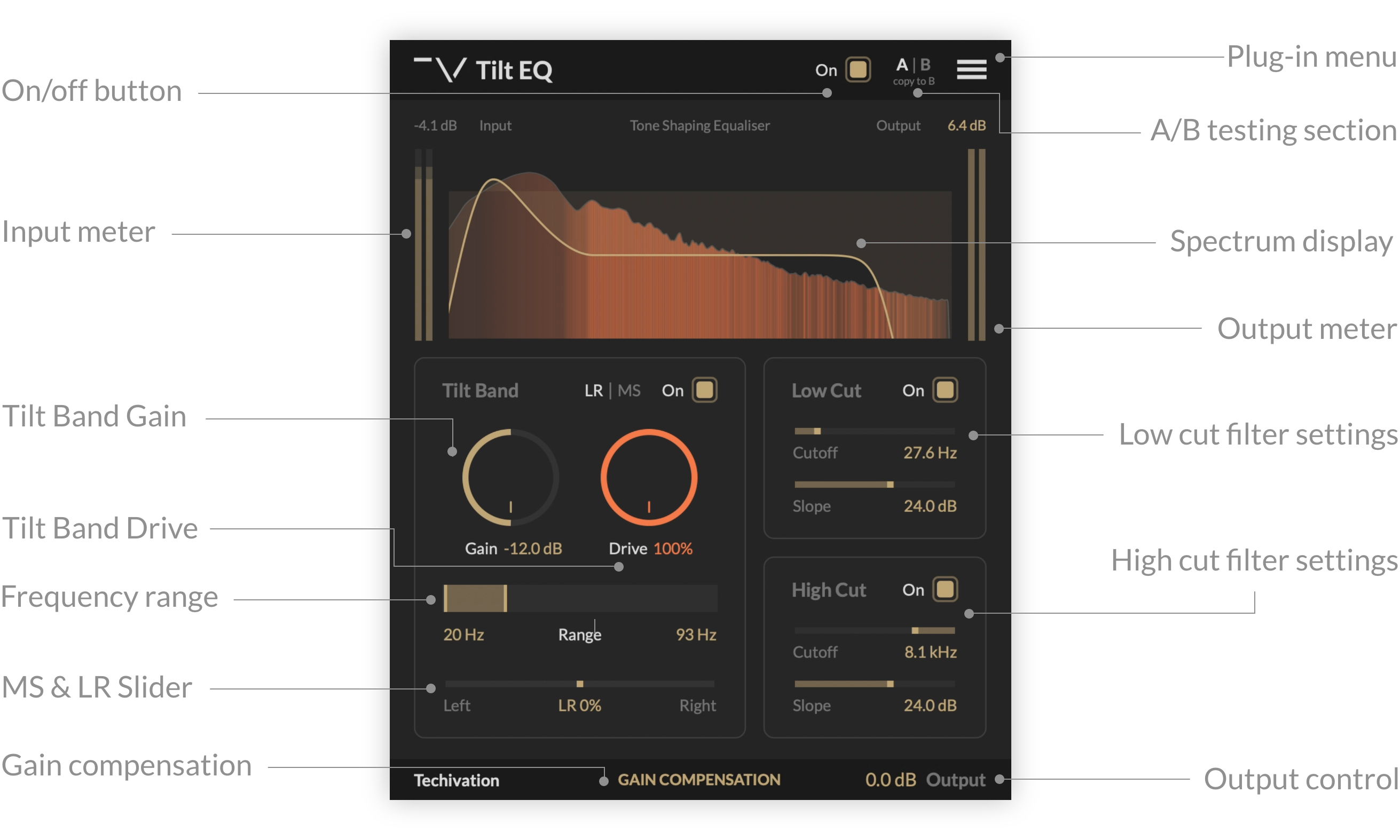
Tilt Band Gain
“Tilt Band Gain” controls the amount of spectral tilt applied by the band.
Tilt Band Drive
“Tilt Band Drive” controls the amount of harmonic saturation applied to the part of the signal that is attenuated by the Tilt Band. The intensity of saturation depends on the amount of energy removed by the tilt curve, effectively re-injecting that energy in the form of additional harmonics.
Tilt Band Range
“Tilt Band Range” sets the frequency range in which the transition between boost and cut occurs. This gives you control over the position and slope of the spectral tilt applied by the band.
Tilt Band LR|MS
The “Tilt Band LR|MS” (Left-Right / Mid-Side) toggle switches the band processing between LR (left-right) and MS (mid-side) modes. In LR mode, the band processes the left and the right channels independently. If you need to preserve the stereo balance of your track, switch the processing to MS mode.
Tilt Band Stereo Balance
“Tilt Band Stereo Balance” allows you to pan the band effect between the stereo channels. The Balance slider affects both the EQ curve and the harmonic saturation of the band.
Filter controls
Tilt EQ offers a pair of filters for cleaning up unwanted frequencies. The Low Cut filter attenuates everything below its Cutoff, making it easy to clean up low-end rumble and muddiness. The High Cut filter removes high-frequency energy above its Cutoff, helping tame brightness, hiss, and harsh edges.
Gain Compensation
“Gain Compensation” applies a fixed level adjustment based on the overall EQ curve to maintain consistent loudness with the input signal. The amount of compensation is estimated based solely on the EQ parameters, and does not depend on the input signal. This means that the amount of Gain Compensation never changes, unless you adjust an EQ parameter. Therefore, it is safe to keep Gain Compensation always enabled as it will never introduce any unwanted dynamic gain changes to your audio.
Drive Quality
The “Drive Quality” option in the main menu sets the oversampling amount for the Tilt Band Drive effect. Oversampling reduces aliasing by internally processing audio at a higher sample rate than the host application, with the capability to reach up to 8 times the original sample rate. You can choose from four settings to achieve the desired balance between performance and audio quality: “Standard (1X)”, “Good (2X)”, “Great (4X)”, or “Ultra (8X)”.
EQ Curve Display
The EQ Curve Display is a visual aid that helps you see what Tilt EQ is doing at a glance. The golden curve represents the total spectral adjustment performed by Tilt EQ.
Output
“Output” controls the amount of clean gain applied to the processed signal.
System
Requirements
Windows
7 and up as 64-bit VST and VST3, and 64-bit AAX (PT11 and up).
Mac OS
10.11 (OS X El Capitan) or higher as 64bit VST, VST3, and AU, and 64-bit AAX. Intel, and Apple Silicon Chips.