
Techivation
T-Warmer Mk2

Techivation T-Warmer Mk2 is a zero-latency bass enhancement plug-in that enriches low and mid frequencies with improved sound quality, level-independent operation, and live-ready performance.

Smart solution for creators
Give any sound more depth, body, and harmonic character
More depth and tone,
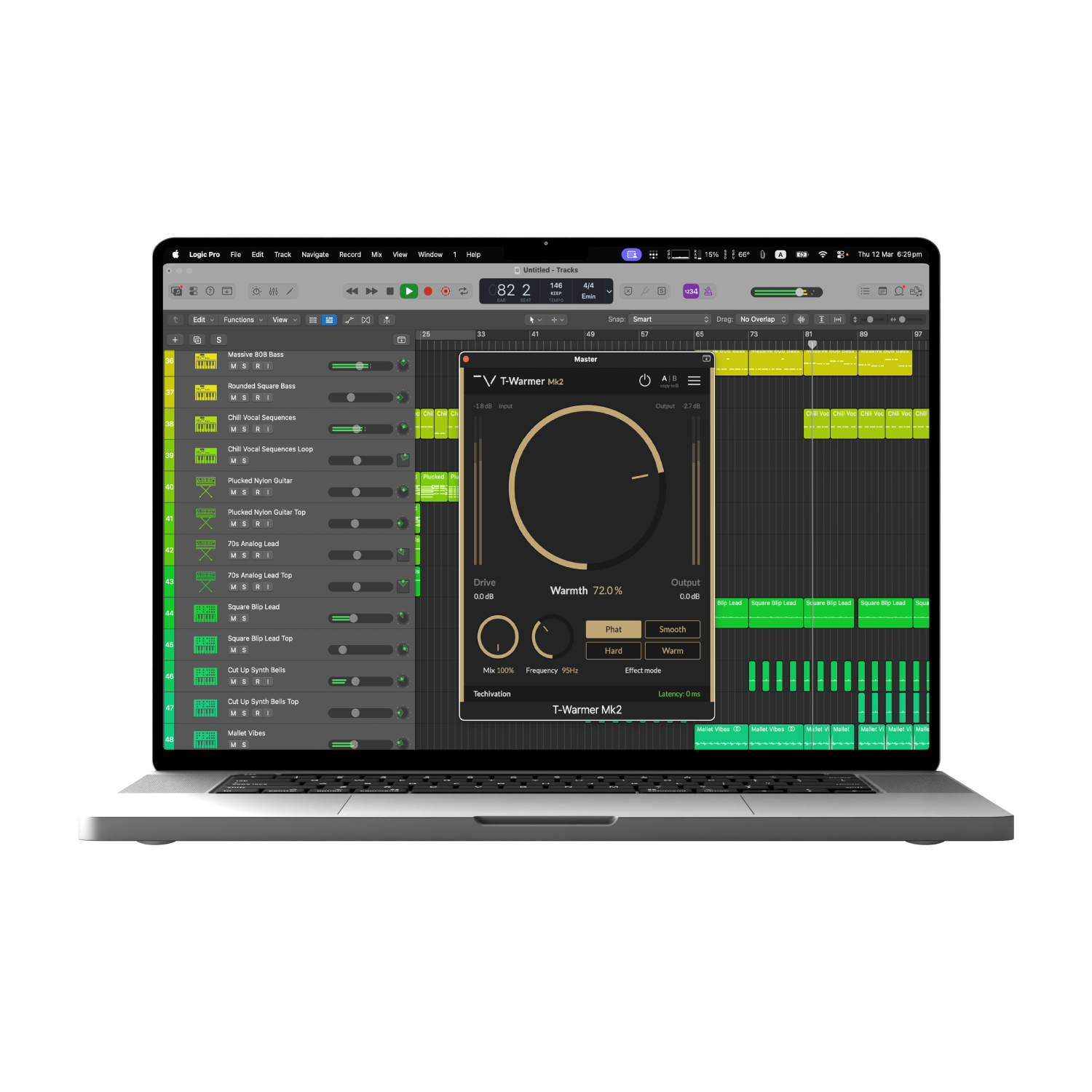
with cleaner controlT-Warmer Mk2 is a redesigned low-end enhancement plug-in built to add weight, warmth, and harmonic richness with greater precision. Shape bass and low-mid energy using the upgraded Phat, Smooth, Hard, and Warm modes, each refined to deliver a more polished character—from subtle body and colour to stronger saturation and punch.
Its level-independent design keeps the response consistent regardless of input level, so the same settings stay musical and predictable across different sources. Push the sound further with Drive, focus the enhancement with Frequency, blend it in using Mix, and choose up to 8x oversampling when you want maximum fidelity. From basslines and drums to full mixes, T-Warmer Mk2 makes it easy to build a fuller, more solid foundation fast.
Focused low-end shaping,
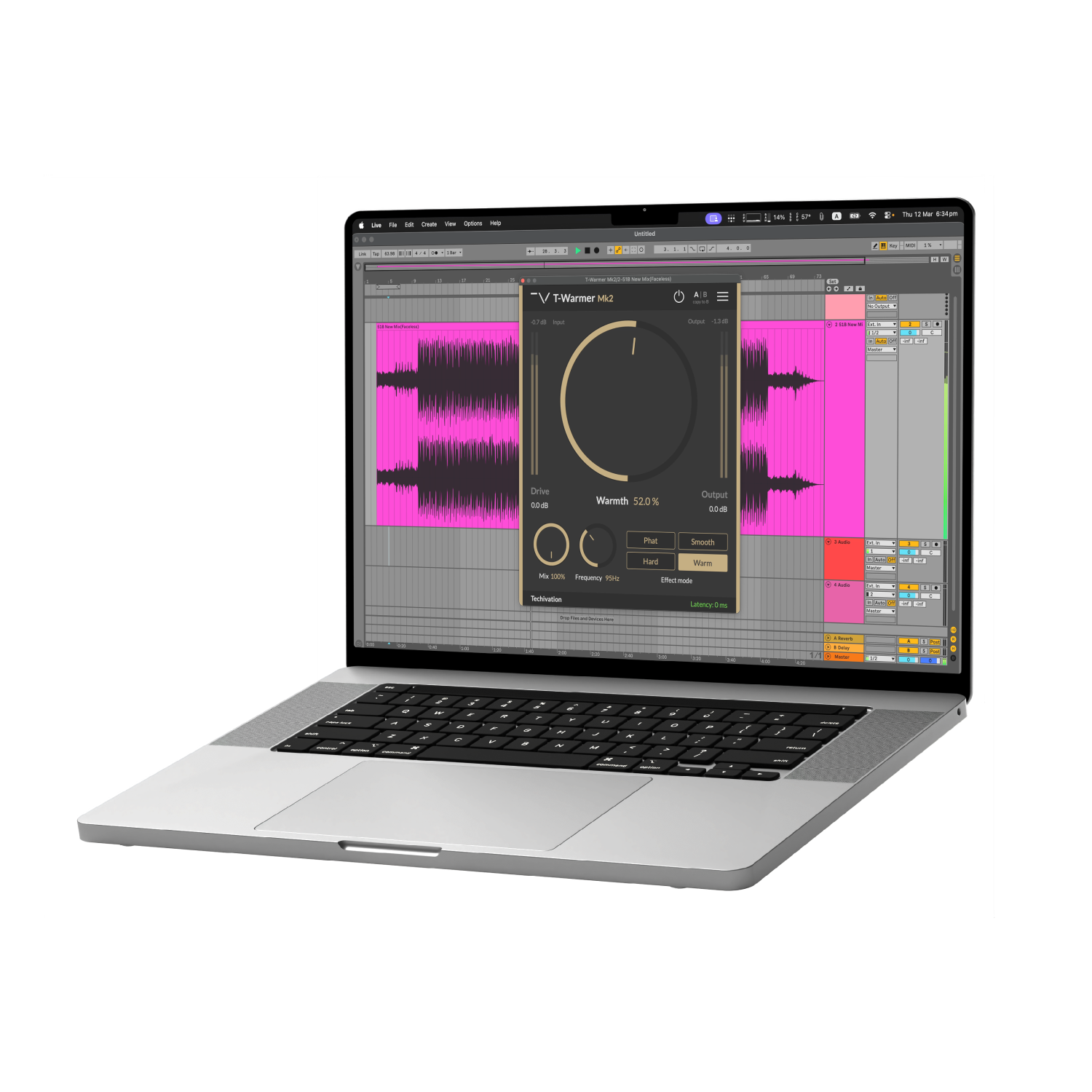
with flexible harmonic controlT-Warmer Mk2 gives you direct control over how saturation is applied to your low end. Use Warmth to dial in the amount of harmonic enhancement, then set Frequency to define how far the processing reaches into your signal. From subtle thickening to more assertive bass shaping, it is built to help you place weight and colour exactly where your mix needs it.
Push the sound harder with Drive, blend it naturally using the Mix control, and fine-tune the final level with Output Gain. Choose from four refined harmonic modes—Phat, Smooth, Hard, and Warm—to move from clean enhancement to stronger character, and enable up to 8x oversampling when you want maximum fidelity without sacrificing control.
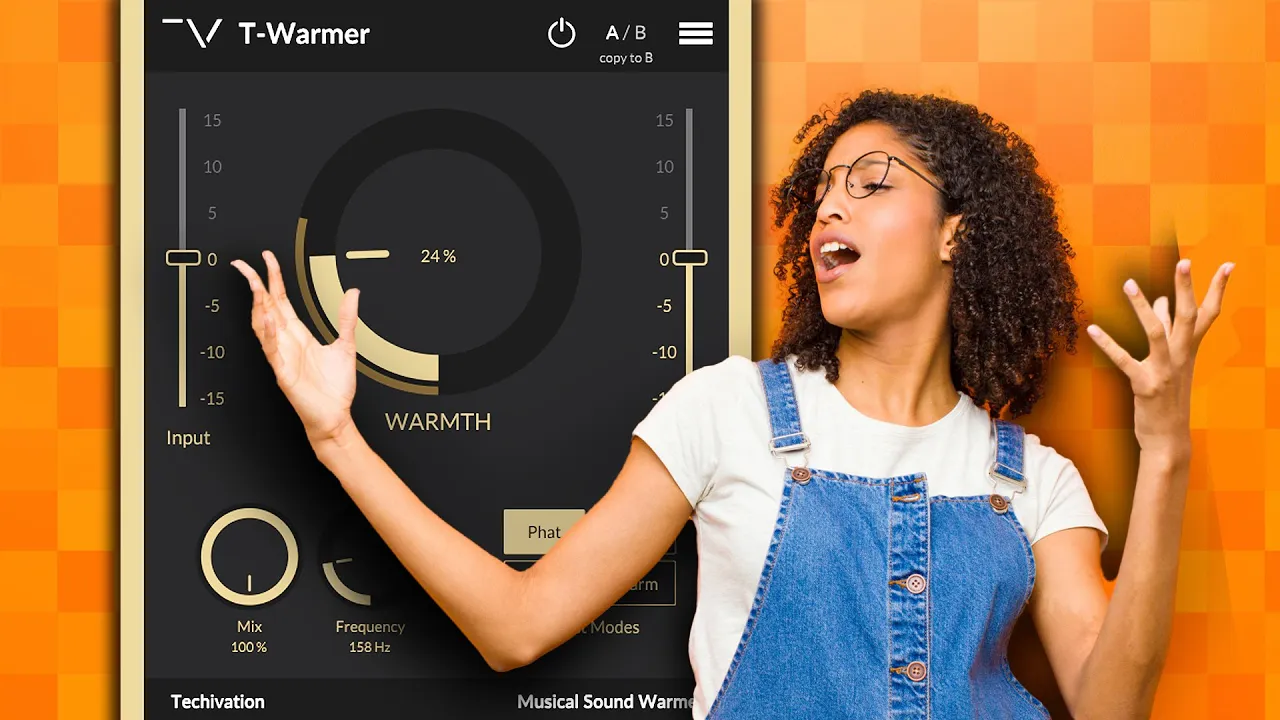
Let's hear it in action
Sound Examples

Key Features
Four different effect modes
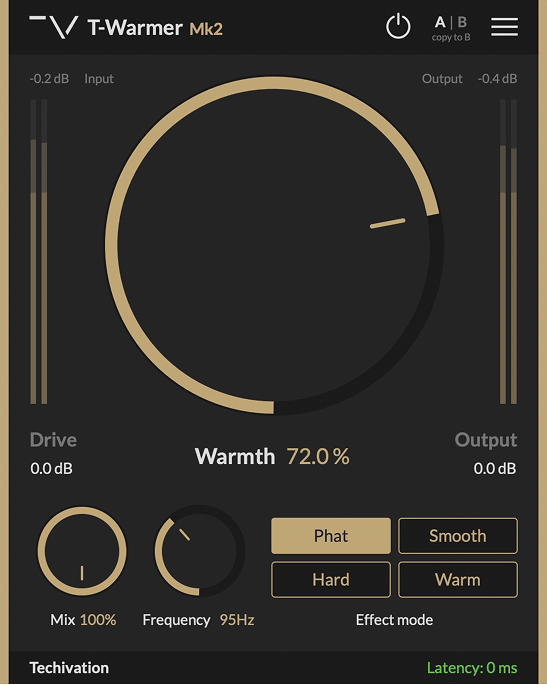
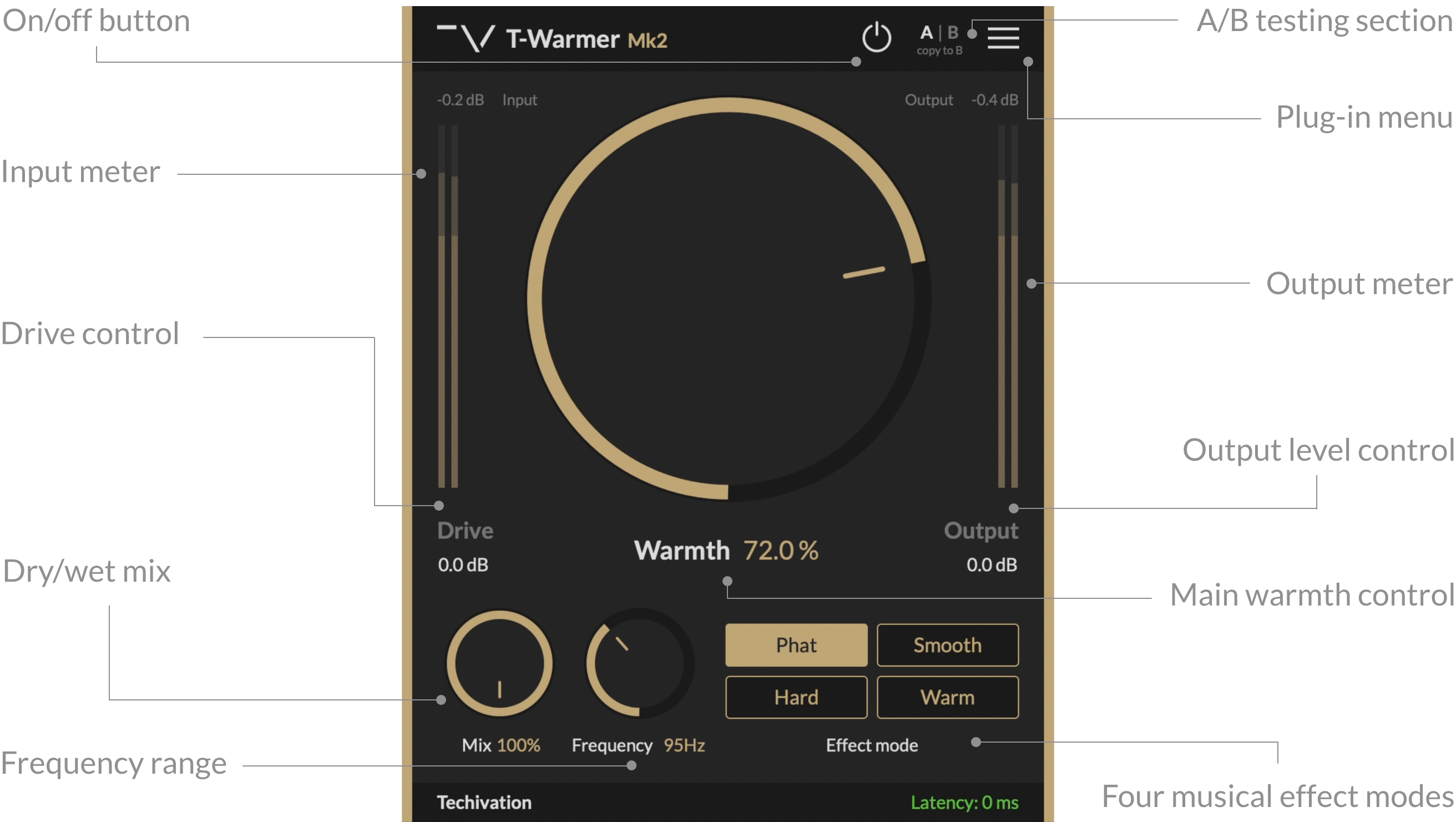
T-Warmer Mk2 offers four high-quality harmonic saturation modes: Phat, Smooth, Hard, and Warm.
Phat mode: Enables rich and thick harmonic saturation, perfect for reinforcing the low end for a “phatter” sound.
Smooth mode: Enables subtle, gentle harmonic saturation with controlled mid-range.
Hard mode: Enables strong soft-clipping saturation, perfect for making low frequencies audible even on small speakers.
Warm mode: Enables dense and warm harmonic saturation, perfect for adding weight to the low end.
Warmth amount control
Warmth controls how much thickness, weight, and warmth is added to the sound by applying harmonic saturation to low and mid frequencies and blending the generated harmonics with the original signal.
The effect of Warmth is completely independent of the input level, so the same Warmth setting produces the same result regardless of loudness.
Drive
Drive increases the intensity of the generated harmonic content by driving the saturation algorithm harder for more pronounced harmonics.
Like Warmth, Drive is independent of input level and has the same effect on a signal of any loudness.
Frequency range
The Frequency control sets the upper bound of the range you want T-Warmer Mk2 applied to. The lower bound is fixed at 20 Hz.
The selected range is thickened and enhanced with generated harmonic content so you can focus the effect exactly where you need it.
Zero-latency
T-Warmer Mk2 supports true zero-latency processing for live use and tracking when Oversampling is set to “Off (1X)”.
Higher oversampling settings add a small amount of latency (about 1 ms).
Oversampling
Oversampling reduces aliasing by internally processing audio at a higher sample rate than the host application, with the capability to reach up to 8X.
Choose the balance between performance and quality: Off (1X), Good (2X), Great (4X), or Ultra (8X).
Output level
Output Gain controls the amount of clean gain applied to the output of T-Warmer Mk2, so you can level-match your result.
Scalable graphic user interface
Scale the GUI from 50% to 150% to match your workflow and screen size while keeping the interface clear and consistent.
Undo/redo options
Built-in Undo and Redo let you experiment freely, quickly backtrack changes, and compare alternative settings without losing your work.
A/B Switch
The A/B buttons make it easy to compare two versions of your settings and quickly decide which one works best for your track.
Use Copy A→B / Copy B→A to duplicate settings and test small tweaks fast.
Dry/wet Mix
Mix controls the parallel blend (wet/dry) between the processed output and your original input, making it easy to dial in the right amount of warmth.
Presets
Load factory presets or create and save your own from the menu for faster workflow and consistent starting points across projects.
System
Requirements
Windows
7 and up as 64-bit VST and VST3, and 64-bit AAX (PT11 and up).
Mac OS
10.13 (macOS High Sierra) or higher as VST, VST3, AU, and AAX. Intel processors, and Apple Silicon Chips.