
4 Tips on Using T-De-Breather Live
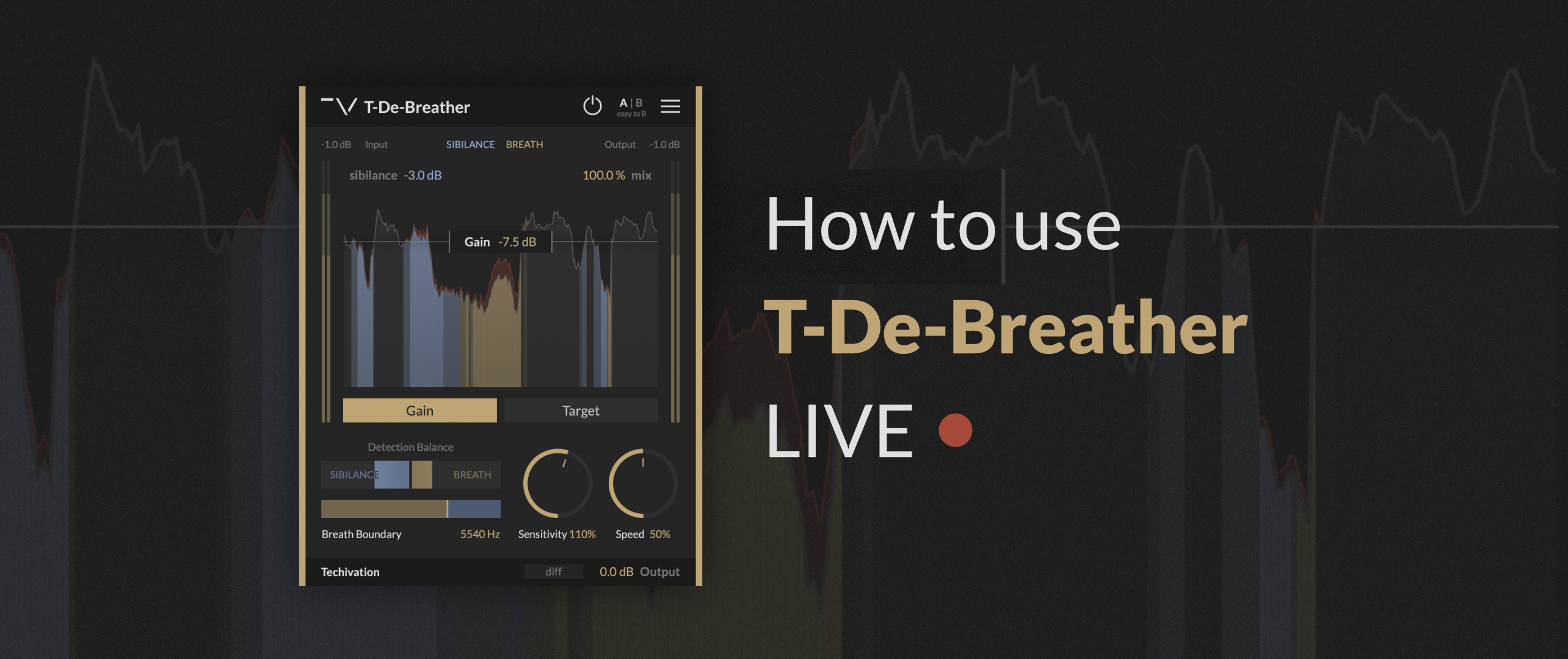
T-De-Breather doesn’t introduce any latency, and can be used live. Let’s look at how to set up T-De-Breather for live audio.
Tip 1. Start with Breath Boundary and Sensitivity
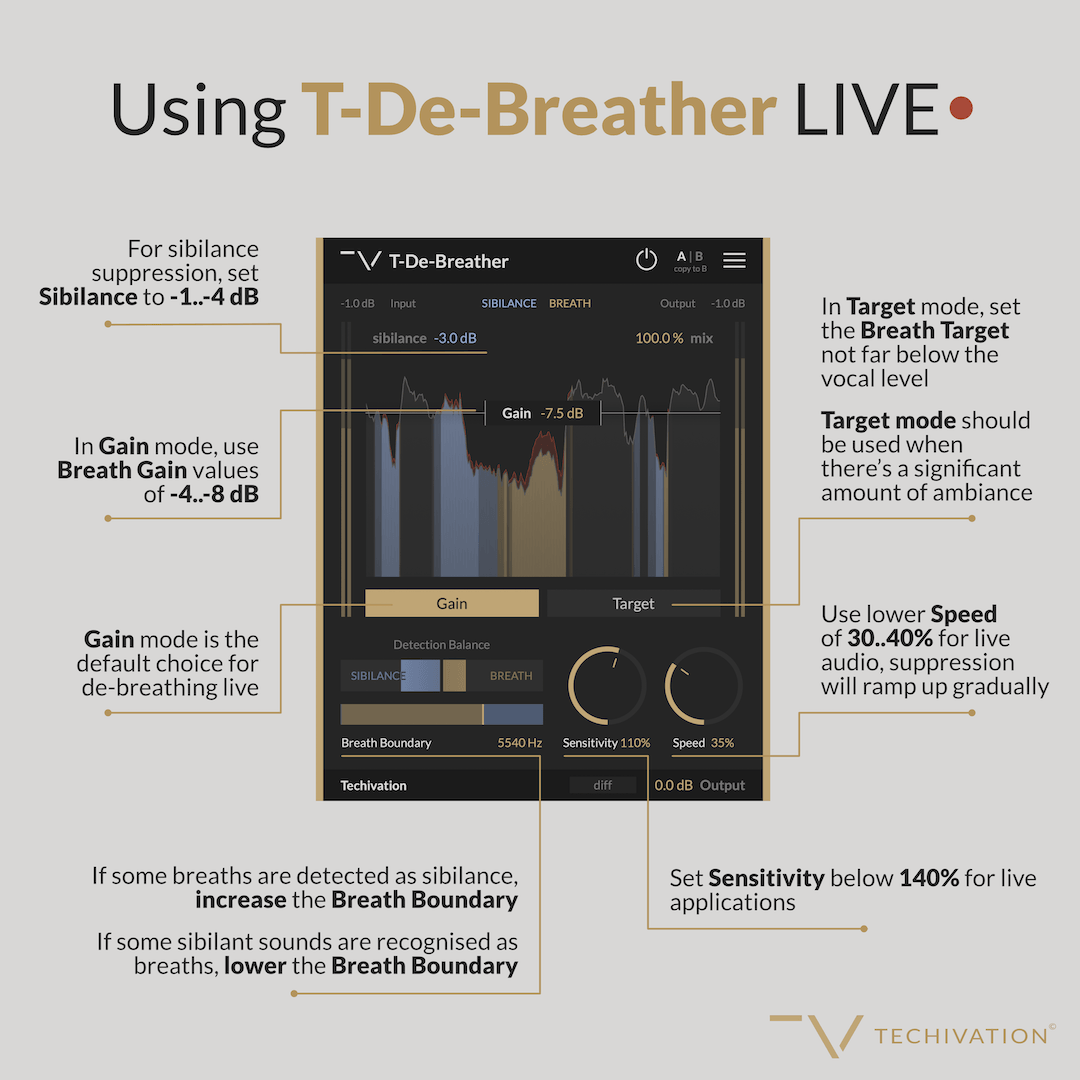
Always start by running a soundcheck with your performer to set up the Breath Boundary and Sensitivity.
We recommend to use Sensitivity values below 140% for live applications.
Tip 2. It is best to keep the amount of breath suppression light.
In Gain mode, we recommend using the Breath Gain values of -4..-8 dB.
In Target mode, we recommend setting the Breath Target not far below the vocal level.
Gain mode should be the default choice for de-breathing live, and it is particularly well-suited for highly dynamic performances.
Target mode should be used when there’s a significant amount of ambiance (background noise, echo, reverberation, etc.) is present.
Tip 3. Use lower Speed values
We recommend using lower Speed values of 30..40% for live audio, so that suppression ramps up gradually.
Tip 4. Keep Sibilance light
If you are using sibilance suppression, keep it light, with Sibilance set to -1..-4 dB.
Share this Article
Featured in this post

![M-EQ Review By Czar [Video]](https://cdn.sanity.io/images/9uzzx98j/production/341fd252af5cfdce3815b27290e6ccf6b1185b98-1280x720.jpg)